Getting Started
This quick start guide gets you up and running with Locorda in minutes. You’ll build a minimal task sync app that demonstrates the core concepts.
What You’ll Build
Section titled “What You’ll Build”A simple task app that works offline and syncs automatically:
- ✅ Offline-first - Works without internet, syncs when connected
- ✅ Conflict-free - Multiple devices can edit simultaneously
- ✅ No backend code - Just annotate your models
- ✅ Plain Dart objects - No special base classes
Your Flutter App ↓Locorda SyncEngine ↓BOS - Bring your Own Storage(Solid Pods, Google Drive, etc.)Preview
Section titled “Preview”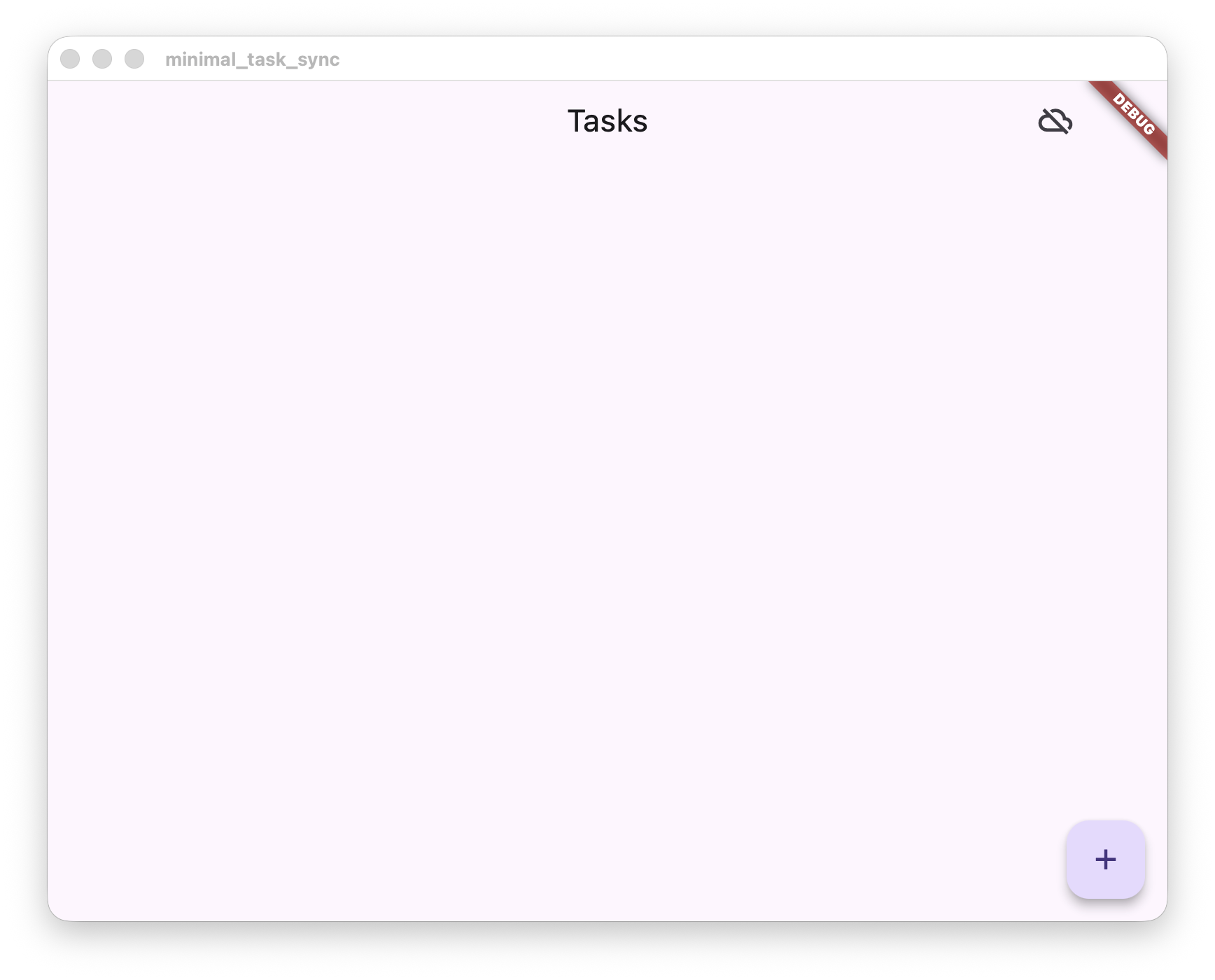
Fresh start - no tasks yet
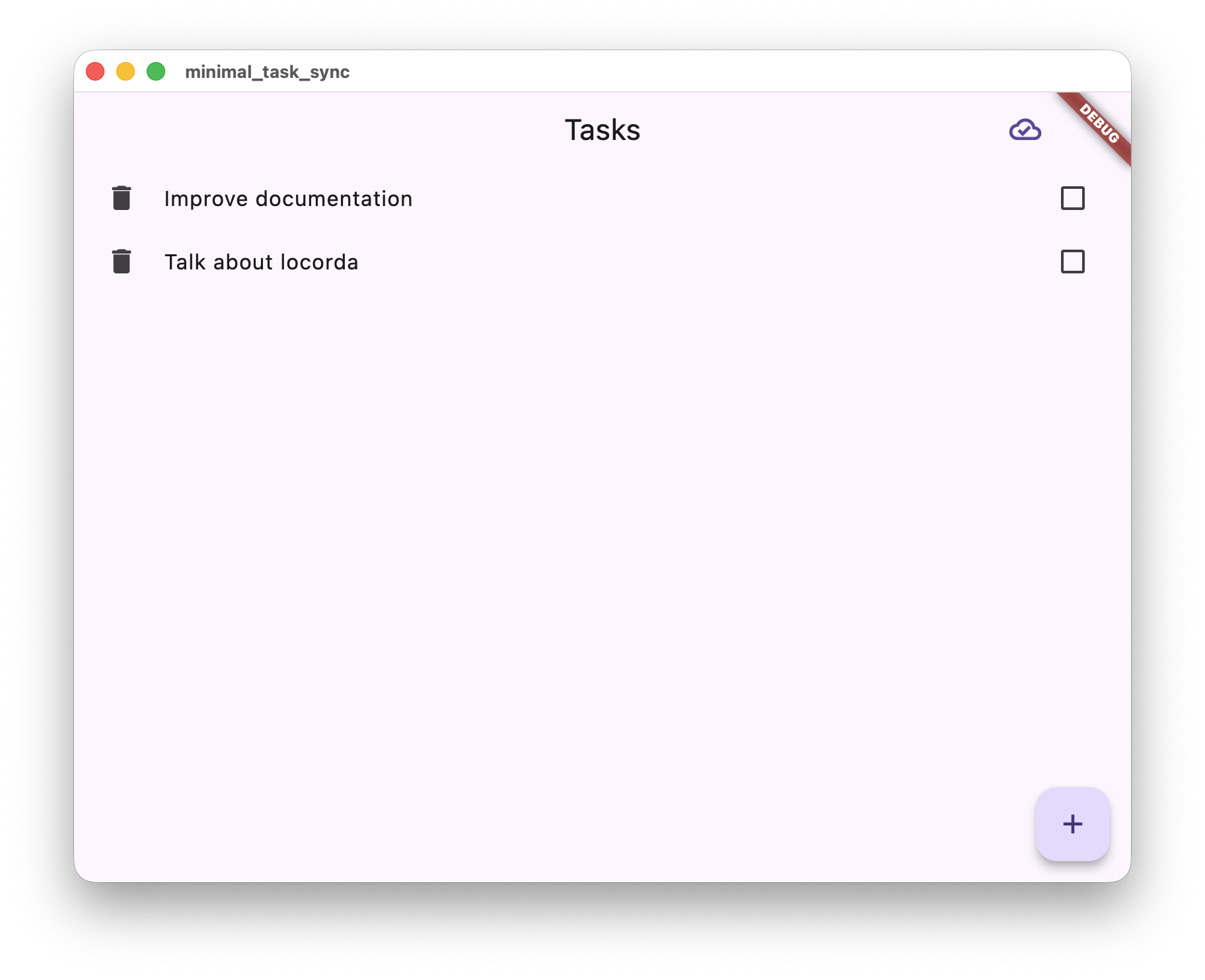
Synced and working across devices
Installation
Section titled “Installation”-
Add dependencies
Terminal window # Core package (includes annotations)dart pub add locorda# Testing remote (replace with Solid Pods or Google Drive in production)dart pub add locorda_dir# Development tools for code generationdart pub add --dev build_runner locorda_dev -
Create your model
Annotate your Dart class to make it syncable:
import 'package:locorda/annotations.dart';@RootResource(AppVocab(appBaseUri: 'https://locorda.dev/example/minimal'))class Task {@RdfIriPart()final String id;final String title;final bool completed;final DateTime createdAt;Task({required this.id,required this.title,this.completed = false,DateTime? createdAt,}) : createdAt = createdAt ?? DateTime.now();Task copyWith({String? title, bool? completed}) => Task(id: id,title: title ?? this.title,completed: completed ?? this.completed,createdAt: createdAt,);}@RootResource- Makes this class sync across devices@RdfIriPart()- Marks the unique identifier
Learn more: Data Modeling
-
Run code generation
Terminal window dart run build_runner buildThis generates all the sync infrastructure you need. See Generated Files for details.
Create a Repository
Section titled “Create a Repository”The repository connects your local storage to the sync engine:
import 'dart:async';import 'package:locorda/locorda.dart';
/// Repository integrating local storage with Locorda sync.////// This example uses a simple Map as a mock database. In a real app,/// you'd use your preferred storage solution (Drift, Hive, Isar, etc.)/// and connect it to sync via the same callback pattern.class TaskRepository {  final ObjectSyncEngine _syncEngine;  final Map<String, Task> _tasks = {}; // Mock DB - use Drift/Hive/etc. in real apps  final StreamController<List<Task>> _controller = StreamController.broadcast();  StreamSubscription? _hydrationSubscription;
  TaskRepository._(this._syncEngine);
  /// Create and initialize repository with sync.  static Future<TaskRepository> create(ObjectSyncEngine syncEngine) async {    final repo = TaskRepository._(syncEngine);
    // Connect your local storage to sync via callbacks.    //    // IMPORTANT: These callbacks are your "single source of truth" for data updates.    // ALL changes (local saves, remote sync, conflict resolution) flow through these    // callbacks. This ensures your UI always shows the merged, conflict-free state.    repo._hydrationSubscription = await syncEngine.hydrateWithCallbacks<Task>(      getCurrentCursor: () async => null, // Simple: no cursor persistence      onUpdate: (task) async {        repo._tasks[task.id] = task; // In real app: await db.upsert(task)        repo._notifyListeners();      },      onDelete: (id) async {        repo._tasks.remove(id); // In real app: await db.delete(id)        repo._notifyListeners();      },      onCursorUpdate: (cursor) async {}, // Skipped for simplicity    );
    return repo;  }
  /// Watch all tasks reactively  Stream<List<Task>> watchAll() => _controller.stream;
  /// Get all tasks (snapshot)  List<Task> getAll() => _tasks.values.toList()    ..sort((a, b) => b.createdAt.compareTo(a.createdAt));
  /// Save task (create or update) - queued for sync to other devices.  ///  /// IMPORTANT: Do NOT update _tasks directly here!  /// The sync engine will call our onUpdate callback, which updates _tasks.  Future<void> save(Task task) async {    await _syncEngine.save<Task>(task);  }
  /// Delete task - queued for sync to other devices.  Future<void> delete(String id) async {    await _syncEngine.deleteDocument<Task>(id);  }
  void _notifyListeners() {    _controller.add(getAll());  }
  void dispose() {    _hydrationSubscription?.cancel();    _controller.close();  }}
How it works:
- Callbacks connect your storage to sync:
onUpdate/onDeletelet you save synced data to your database - You control local storage: Query, index, and structure your data however you want
save()/delete()register changes: Changes are saved locally (via callbacks) and queued for sync- Sync happens automatically: When connected, changes sync to other devices; offline changes sync later
- Single source of truth: ALL updates (local, remote, merged) flow through the same callbacks
Want to understand the pattern deeply? See Repository Pattern for complete details on sync lifecycle, storage integration options, and advanced patterns.
Initialize Locorda
Section titled “Initialize Locorda”The initLocorda() function is generated by build_runner:
import 'package:locorda/locorda.dart';import 'package:locorda_dir/locorda_dir.dart';
final locorda = await initLocorda(  // Local Dir for testing (use Solid Pods or Google Drive in production)  remotes: [    await DirMainIntegration.create(      displayName: 'Local Directory (Testing)',    ),  ],
  // In-memory storage for this quick start  storage: InMemoryStorageMainHandler(),);
For production: Use DriftStorage instead of InMemoryStorage and add Solid Pods or Google Drive remotes.
Use in Your UI
Section titled “Use in Your UI”Your UI just uses the repository - no sync awareness needed:
// In your widgetStreamBuilder<List<Task>>( stream: repository.watchAll(), builder: (context, snapshot) { final tasks = snapshot.data ?? []; return ListView.builder( itemCount: tasks.length, itemBuilder: (context, i) => CheckboxListTile( title: Text(tasks[i].title), value: tasks[i].completed, onChanged: (val) => repository.save( tasks[i].copyWith(completed: val ?? false), ), ), ); },)Locorda provides a ready-to-use sync control widget:
MultiBackendStatusWidget( registry: uiAdapterRegistry, syncManager: syncManager,)This widget renders as a cloud icon that users can tap to open a bottom sheet for selecting remotes, connecting, and triggering manual sync. We recommend placing it in the app bar as shown below (top-right corner).
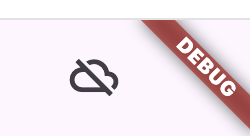
The cloud icon (top-right) is the MultiBackendStatusWidget
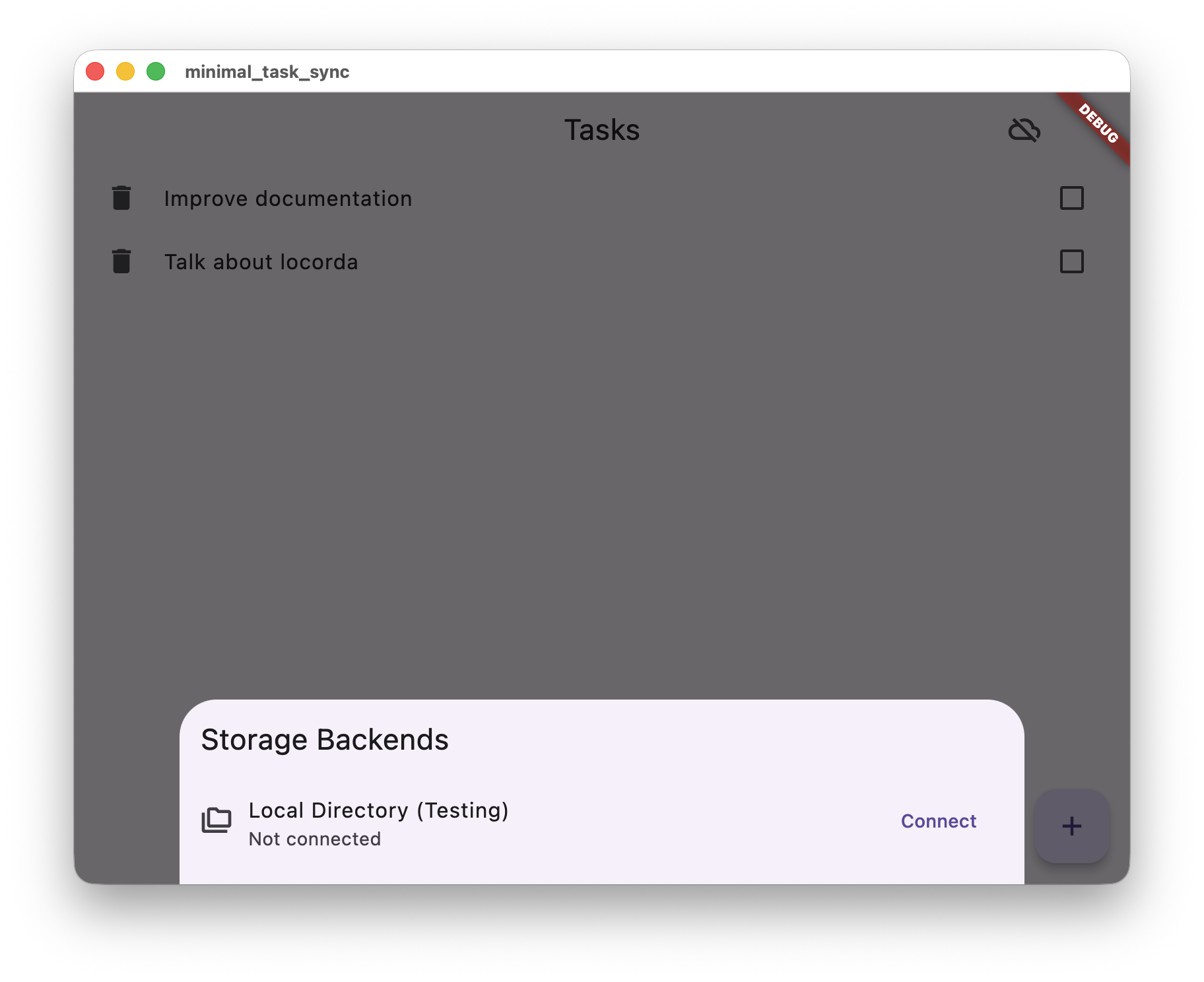
Select a storage backend
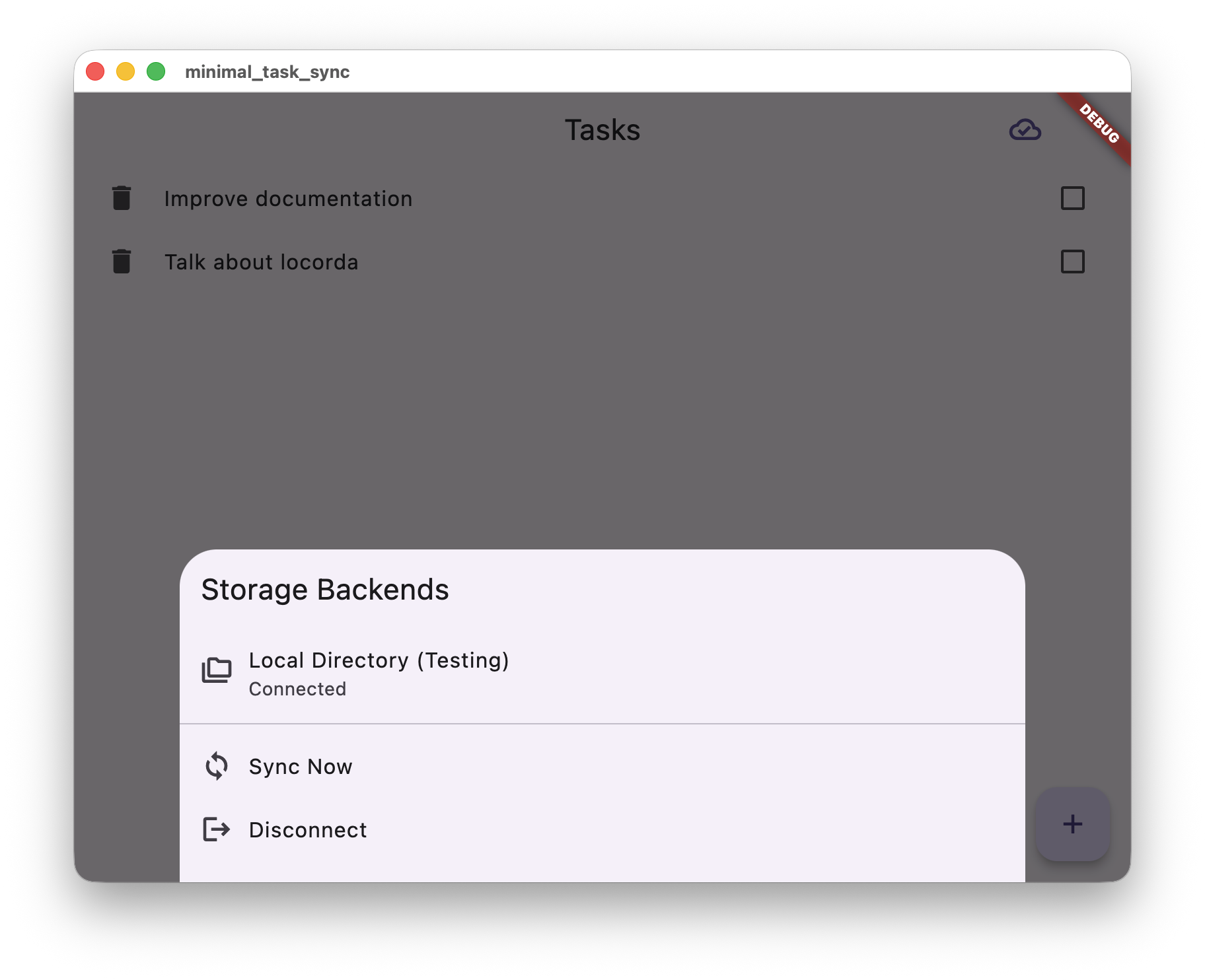
Connected and ready to sync
Running the Example
Section titled “Running the Example”# Generate sync codedart run build_runner build
# Run on your platformflutter runPlatform compatibility: The Local Directory remote (locorda_dir) works best on desktop platforms. For mobile or web, use Solid Pods or Google Drive instead.
Need the complete runnable example? The full working app is available in the minimal example repository.
The App in Action
Section titled “The App in Action”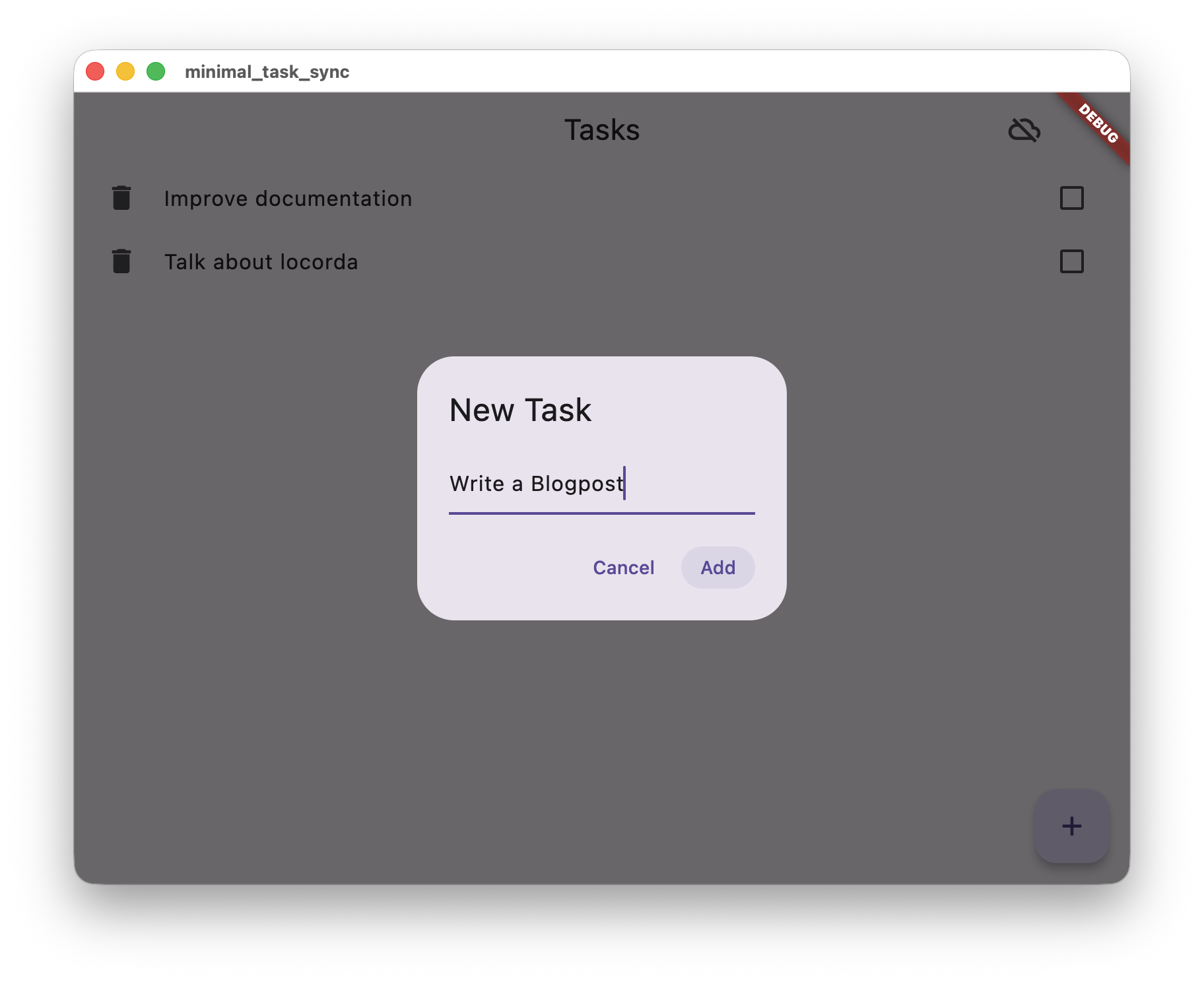
Adding a new task
Works offline - syncs when connected
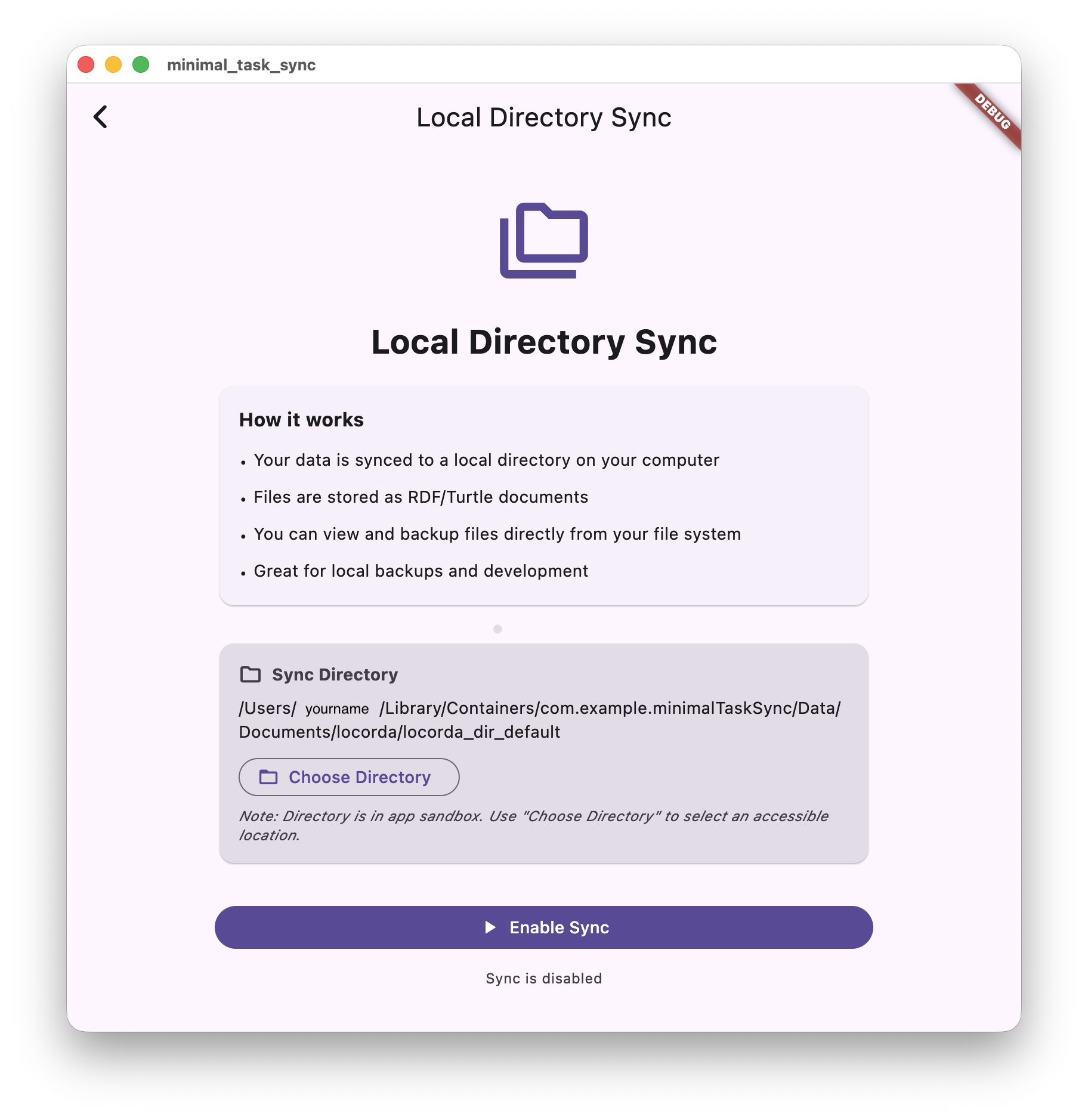
Syncing with local directory
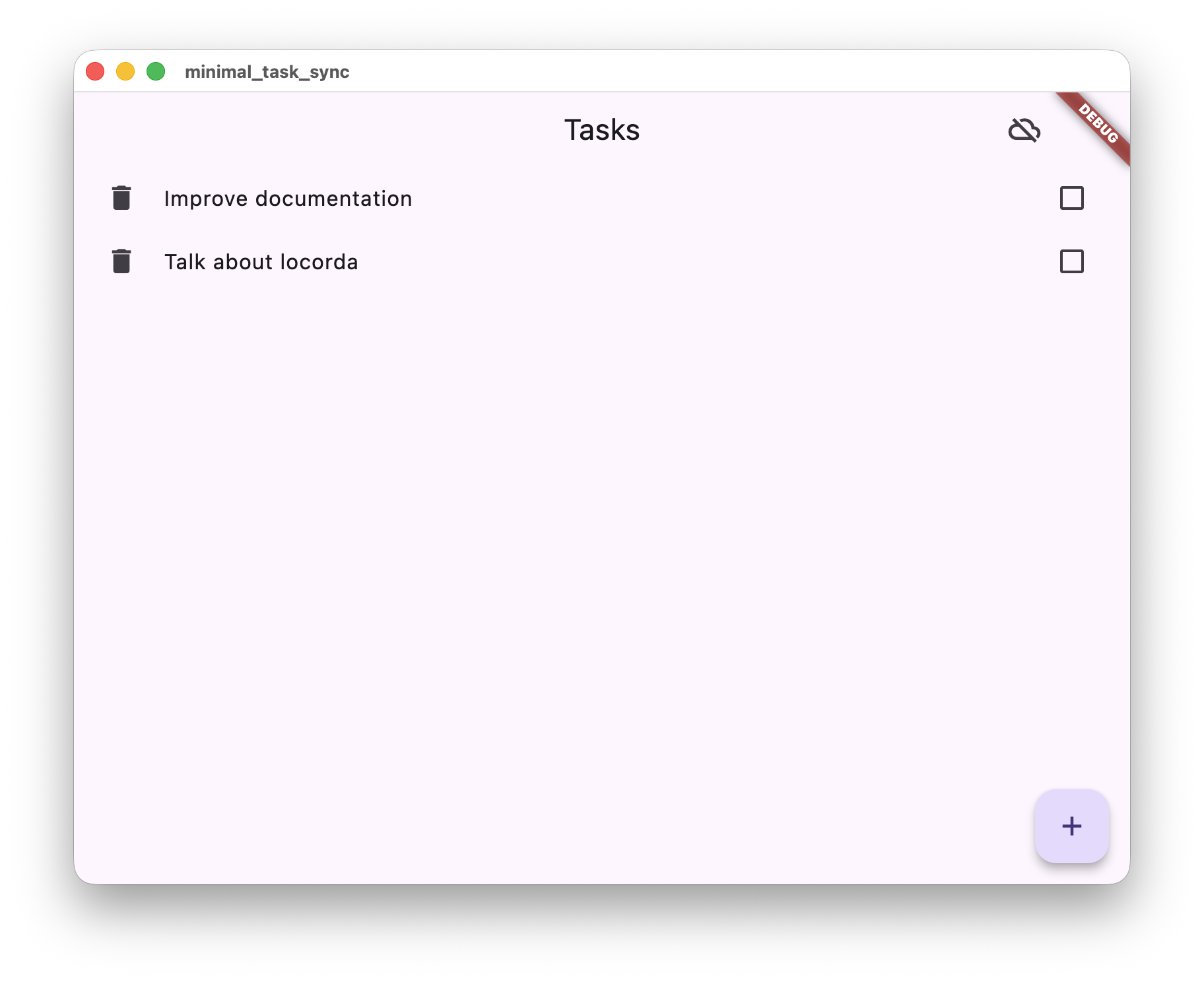
Working with multiple tasks
Generated Files
Section titled “Generated Files”After running dart run build_runner build, you’ll see these generated files:
init_locorda.g.dart- Initialization code with all your models configuredinit_rdf_mapper.g.dart- Object ↔ RDF conversion logiclocorda_config.g.dart- Sync configurationmapping_bootstrap.g.dart- Merge rules for conflict resolutiontask.rdf_mapper.g.dart- Task-specific serializationworker_generated.g.dart- Background worker setupworker_generated.dart.js- Web worker JavaScript (for web platform)vocab.g.ttl- Vocabulary definition (for RDF interoperability)
Should I commit them? Yes! Generated files should be committed to version control for reproducible builds and faster CI.
When to regenerate:
- After changing annotations on your model classes
- After updating Locorda packages
- If build errors mention generated files
Understanding How It Works
Section titled “Understanding How It Works”Now that you have a working app, learn the concepts:
- Repository Pattern - Deep dive into how repositories work, sync lifecycle, storage integration
- Conflict Resolution - How conflicts are automatically resolved with CRDTs
- Data Modeling - Understanding RootResource, SubResource, and LocalResource
Next Steps
Section titled “Next Steps”Production Checklist:
- Replace
InMemoryStoragewithDriftStoragefor persistence - Replace Local Directory with Solid Pods or Google Drive
- Add cursor tracking for efficient incremental sync
- Add error handling for network failures
- Explore the Personal Notes App for advanced patterns
Why RDF?
Section titled “Why RDF?”Locorda stores your data as RDF (Resource Description Framework) - a W3C web standard. What does this mean for you?
Interoperability: Your task data can be read by other apps using standard vocabularies:
// Your task app writes:Task(id: 'task-1', title: 'Buy milk');
// A calendar app can read the same data (using schema.org):Event(id: 'task-1', name: 'Buy milk');
BOS - Bring your Own Storage: Support Solid Pods, Google Drive, local directories, and more - your code stays the same. Be the boss of your data.
Future-proof: RDF has been stable for 20+ years. Your data remains readable long after your app is gone.
Do I need to learn RDF? No! The code generator creates RDF vocabularies from your Dart classes automatically. You work with normal Dart objects.
But what if I DO care about RDF? If you know RDF and want precise control over your data model, our annotations give you complete control over every aspect - predicates, types, namespaces, cardinality. See the RDF Mapper annotations for details.
For RDF experts: Locorda is highly modular. You can bypass annotations entirely and work directly with the RdfGraph class while still leveraging the sync engine, conflict resolution, and storage backends. Use our building blocks however you need them.